
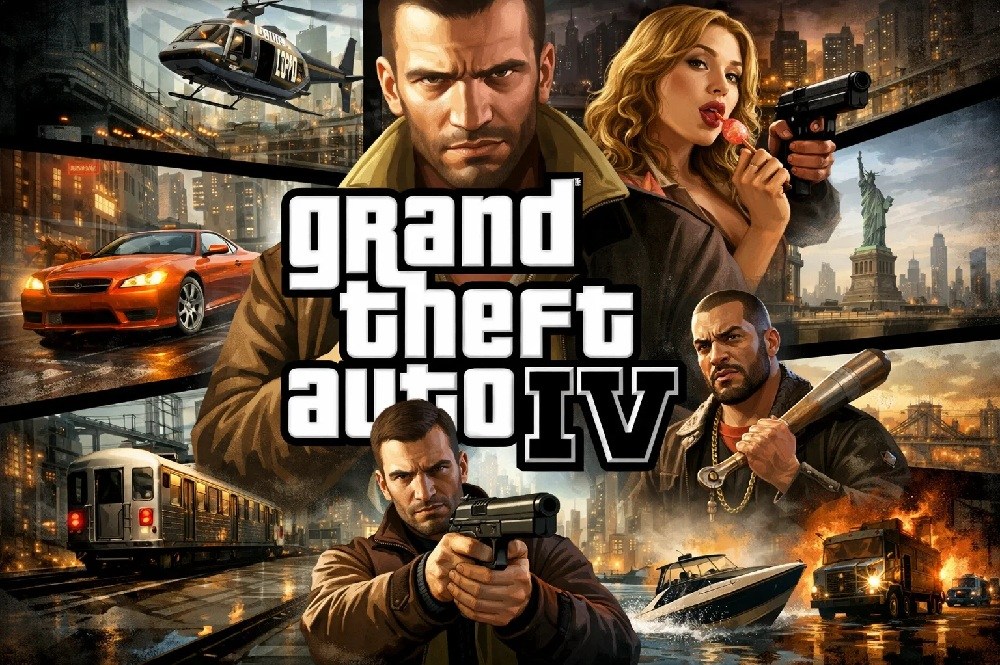
Grand Theft Auto IV [GPU MALI]
Sobre o Jogo
OBS: BAIXA A UPDATE AQUI COPIA E COLOCA NO NAVEGADOR https://www.mediafire.com/file/m1s464h52vbrwyy/title_update.zip/file Passo 1: Preparação Básica Instalar o Aplicativo: Baixe e instale o arquivo APK Liberty City Recomp no seu dispositivo. Obter a ISO: Baixe o arquivo .iso do jogo. Passo 2: Configuração Inicial e ISO Carregar a ISO: Abra o Liberty City Recomp e insira/selecione a .iso baixada dentro do aplicativo. Passo 3: Atualização do Jogo Obter o Update: Baixe o arquivo do Title Update V8 (Obrigatório). Aplicar a Atualização: No aplicativo Liberty City Recomp, importe e aplique o Title Update V8 para concluir a configuração. Dica: Certifique-se de que o Title Update V8 seja aplicado corretamente antes de iniciar o jogo para evitar bugs, travamentos ou telas pretas.
Capturas de Ecrã
Jogos Semelhantes na mesma Categoria
 1.0
Mad Max
Ação-Aventura
 1.0
Ninja Gaiden II
Ação-Aventura
 1.0
Prototype 2
Ação-Aventura
 1.0
Hollow Knight: Silksong [IOS]
Ação-Aventura
 1.0
LEGO® Marvel™ Super Heroes
Ação-Aventura
 1.0
Legend of Zelda: Breath of the Wild PC
Ação-Aventura
 1.0
Just Cause 2
Ação-Aventura
 1.0
Prototype
Ação-Aventura
 1.0
GTA :Liberty City Stories & Vice City Stories
Ação-Aventura
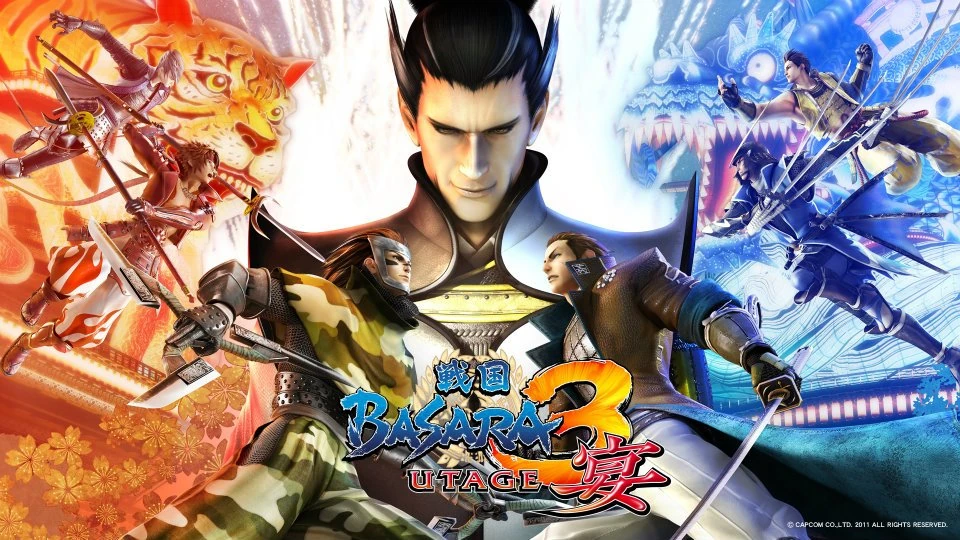 1.0
Sengoku Basara 3: Utage
Ação-Aventura